
Steps for Finding Computer IP Address:
- Click Start
- Type CMD
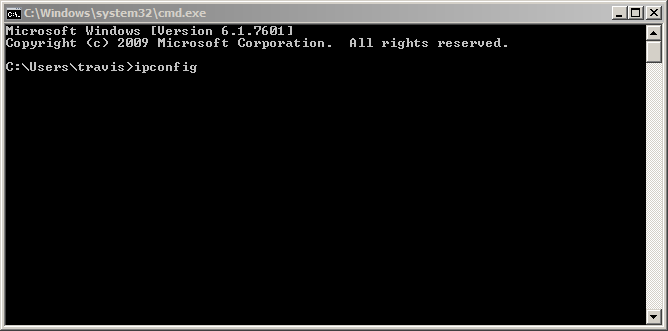
- Click cmd.exe

- Type cmd then press Enter
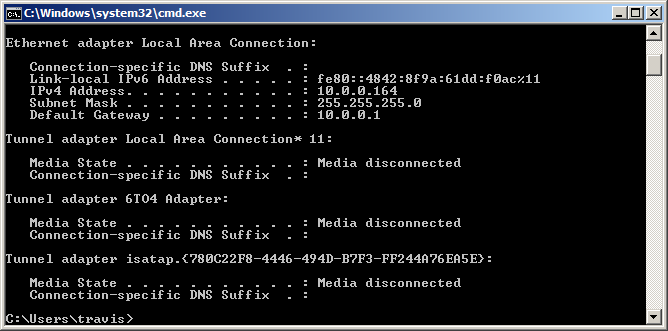
- Find the line that reads IPv4 Address. Your IP Address is the number at the end of the line. It will be four sets of numbers separated by periods (10.0.0.164 in the example below).
Comments
0 comments
Article is closed for comments.